- Dart 98.2%
- C++ 0.8%
- CMake 0.7%
- Ruby 0.1%
- HTML 0.1%
| Filename | Latest commit message | Latest commit date |
|---|---|---|
 Tizian 「ティツィアーン」
a512a3ef88 Both depend on win32 v6, like current Serverpod, so an app that also uses Serverpod can resolve the editor in one pub workspace; file_picker v10 and device_info_plus v12 need win32 v5. file_picker v12 made its API static, returns the picked files directly and reads their content on demand (PlatformFile.readAsBytes()); v13 removed the parameters v12 had deprecated. The FilePickerService implementation keeps its interface: withData, withReadStream and lockParentWindow are ignored, allowMultiple chooses between pickFiles() and pickFile(), and saveFile() saves an empty file, since file_picker now writes the file itself and needs its content up front. The image upload reads the picked file's bytes on the web; the example app saves and opens files with the new API. Raises the minimum to Dart v3.11 and Flutter v3.41.6 (device_info_plus v13). Co-Authored-By: Claude Opus 5.5 <noreply@anthropic.com> |
||
| .github | ||
| assets | ||
| documentation | ||
| example | ||
| lib | ||
| test | ||
| .fvmrc | ||
| .gitignore | ||
| analysis_options.yaml | ||
| CHANGELOG.md | ||
| codecov.yml | ||
| LICENSE | ||
| pubspec.yaml | ||
| README.md | ||
AppFlowy Editor
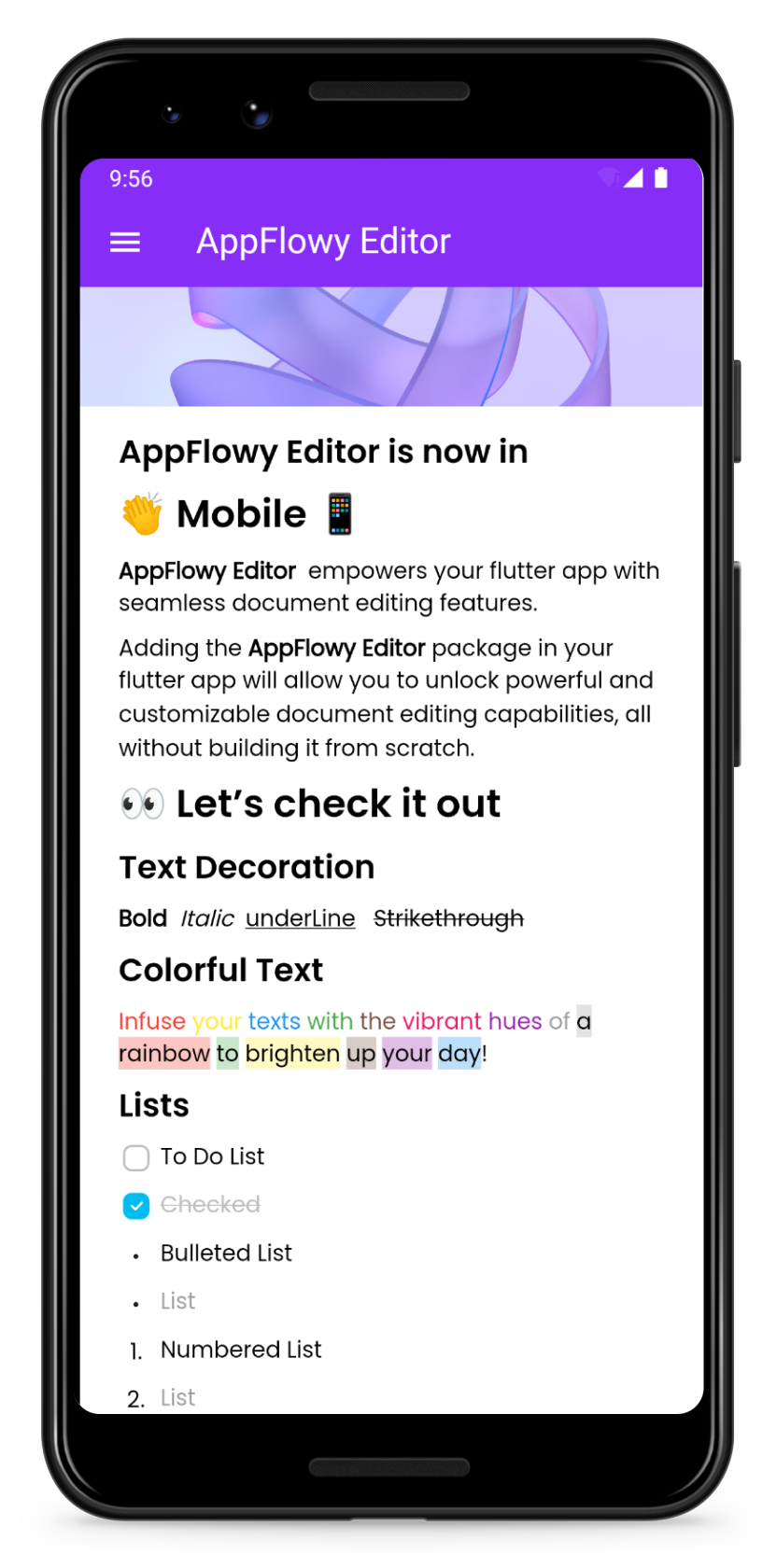
A highly customizable rich-text editor for Flutter


Key Features
- Build rich, intuitive editors
- Design and modify an ever-expanding list of customizable features including
- block components (such as form input controls, numbered lists, and rich text widgets)
- shortcut events
- themes
- selection menu
- toolbar menu
- Test Coverage and ongoing maintenance by AppFlowy's core team and community of more than 1,000 builders
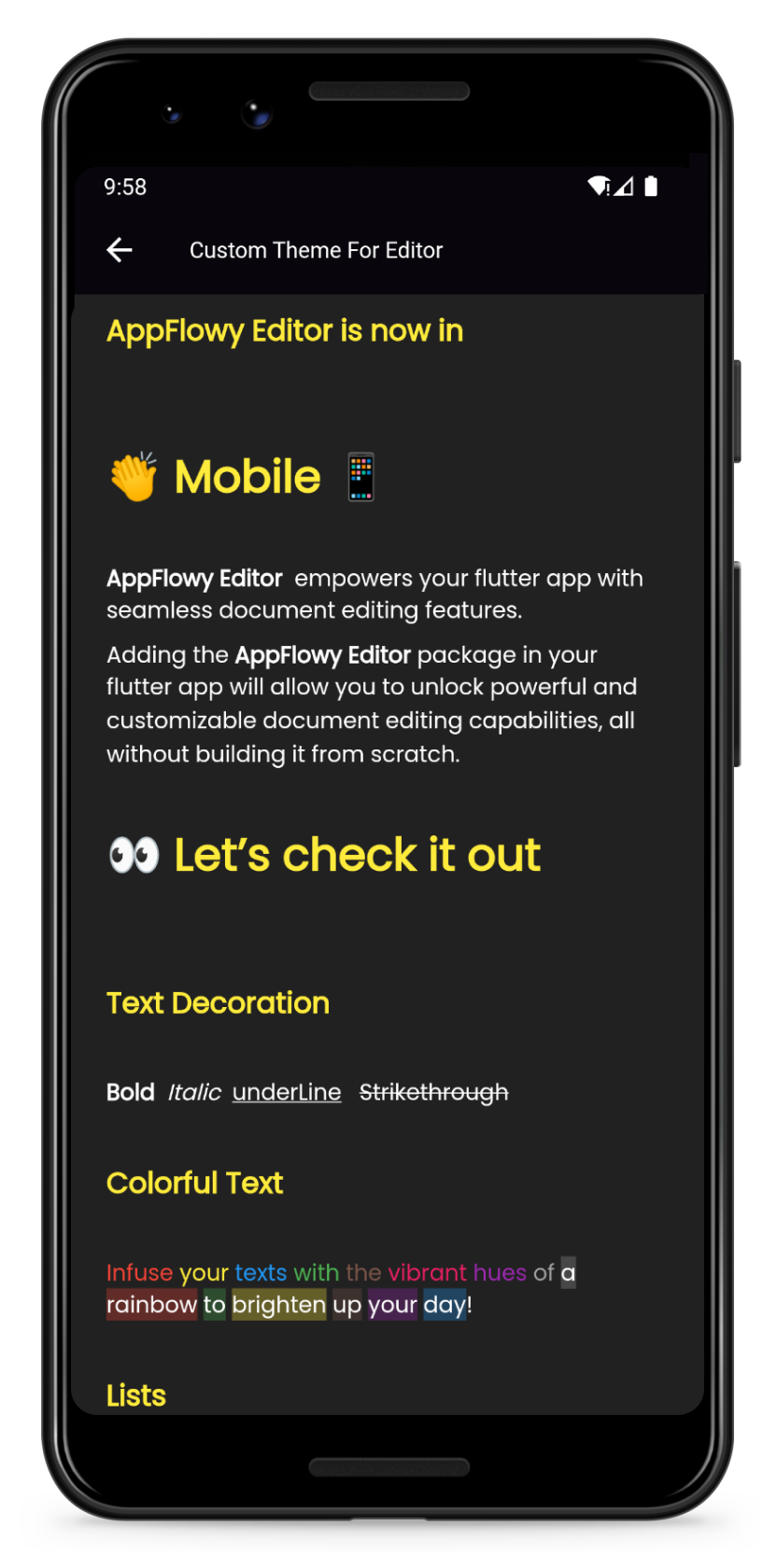
| Preview | Customize your own theme |
|---|---|
 |
 |
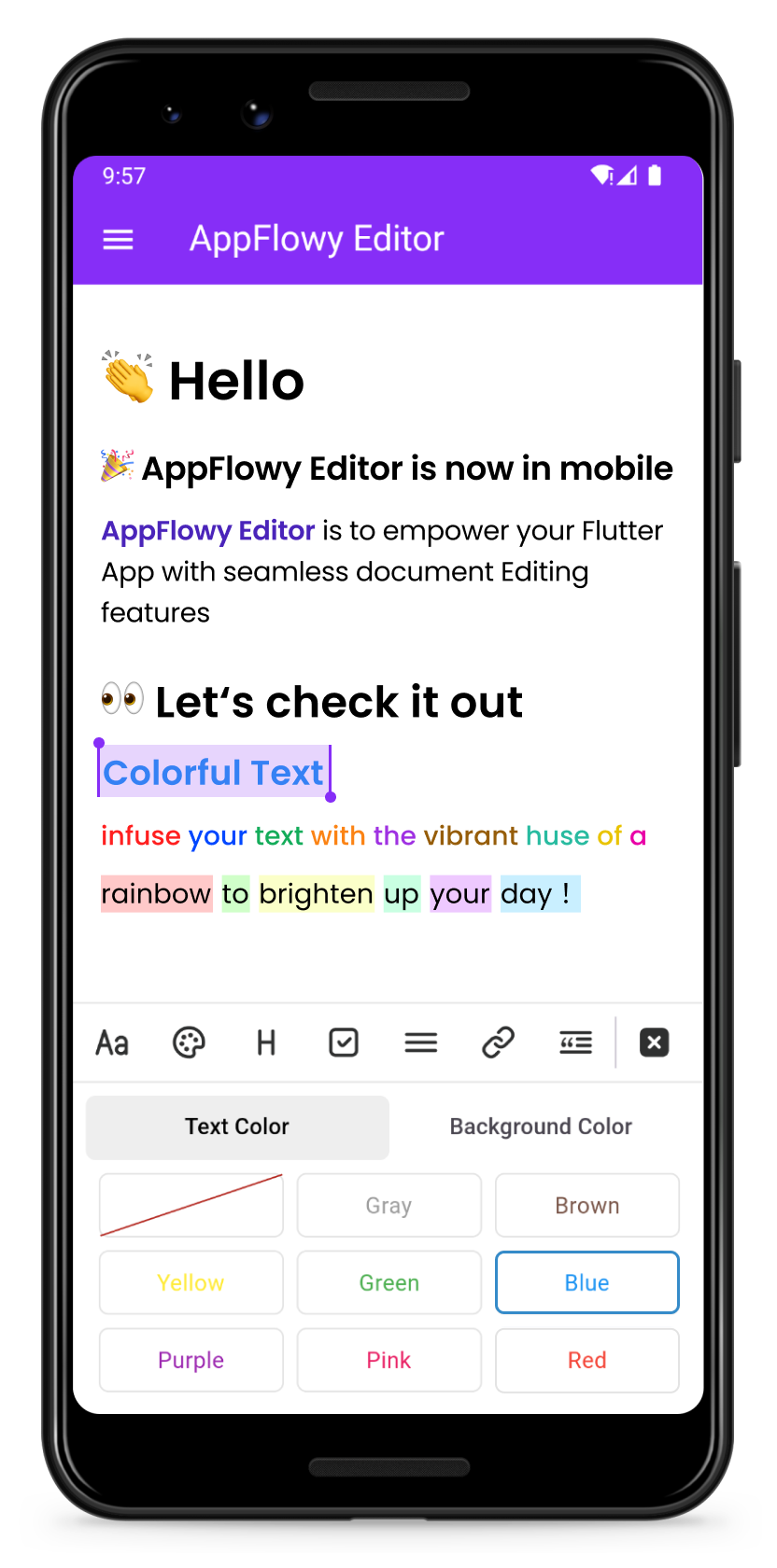
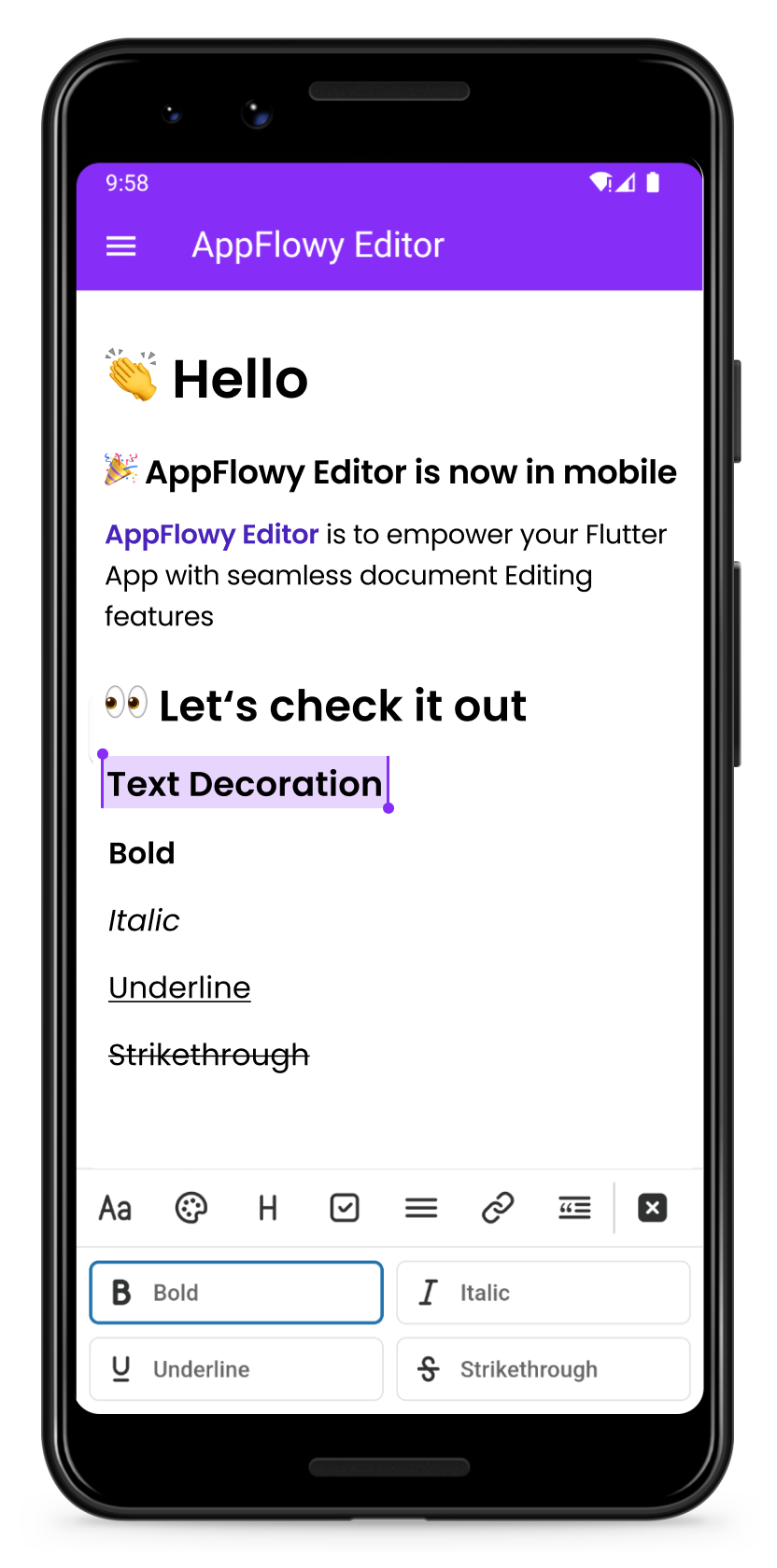
| Change the color of your text | Format your text |
|---|---|
 |
 |
Getting Started
Add the AppFlowy editor Flutter package to your environment.
flutter pub add appflowy_editor
flutter pub get
Creating Your First Editor
Start by creating a new empty AppFlowyEditor object.
final editorState = EditorState.blank(withInitialText: true); // with an empty paragraph
final editor = AppFlowyEditor(
  editorState: editorState,
);
You can also create an editor from a JSON object in order to configure your initial state. Or you can create an editor from Markdown or Quill Delta.
final json = jsonDecode('YOUR INPUT JSON STRING');
final editorState = EditorState(document: Document.fromJson(json));
final editor = AppFlowyEditor(
  editorState: editorState,
);
Note: The parameters
localizationsDelegatesneed to be assigned in MaterialApp widget
MaterialApp(
  localizationsDelegates: const [
    AppFlowyEditorLocalizations.delegate,
  ],
);
To get a sense of how the AppFlowy Editor works, run our example:
git clone https://github.com/AppFlowy-IO/appflowy-editor.git
flutter pub get
flutter run
Customizing Your Editor
Customizing theme
Please refer to our documentation on customizing AppFlowy for a detailed discussion about customizing theme.
- See further examples of how AppFlowy custom the theme
Customizing Block Components
Please refer to our documentation on customizing AppFlowy for a detailed discussion about customizing components.
Below are some examples of component customizations:
- Todo List Block Component demonstrates how to extend new styles based on existing rich text components
- Divider Block Component demonstrates how to extend a new block component and render it
- See further examples of AppFlowy
Customizing Shortcut Events
Please refer to our documentation on customizing AppFlowy for a detailed discussion about customizing shortcut events.
Below are some examples of shortcut event customizations:
- BIUS demonstrates how to make text bold/italic/underline/strikethrough through shortcut keys
- Need more examples? Check out shortcuts
Migration Guide
Please refer to the migration documentation.
Glossary
Please refer to the API documentation.
Contributing
Contributions are what make the open source community such an amazing place to learn, inspire, and create. Any contributions you make are greatly appreciated.
Please look at CONTRIBUTING.md for details.
License
All code contributed to the AppFlowy Editor project is dual-licensed, and released under both of the following licenses:
- The GNU Affero General Public License Version 3
- The Mozilla Public License, Version 2.0 (the “MPL”)
See LICENSE for more information.